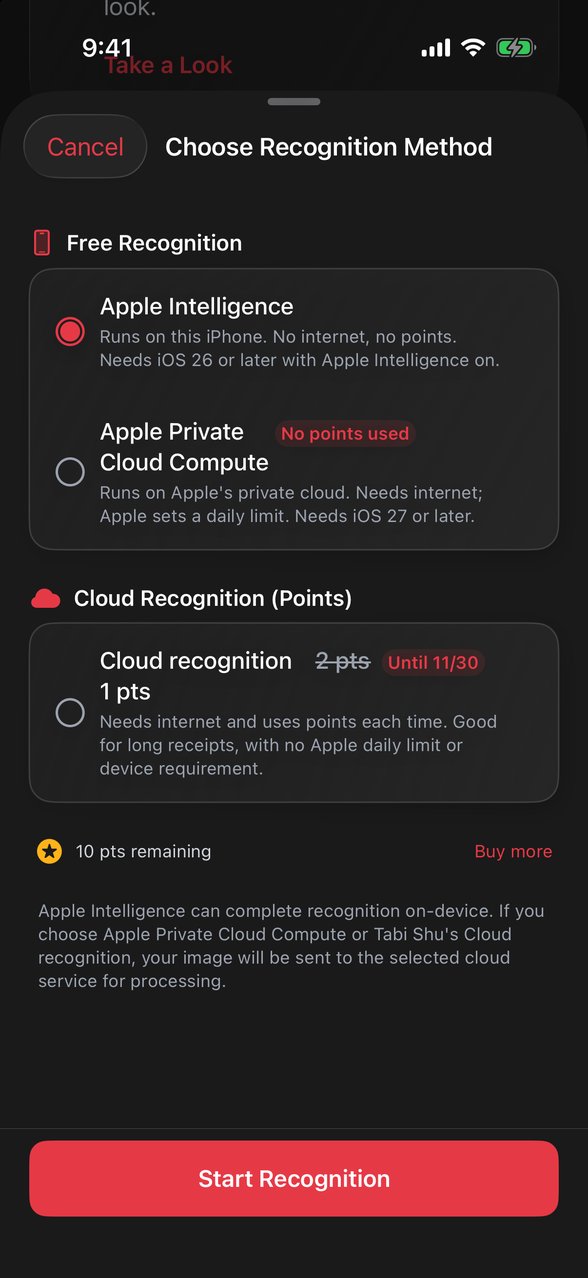
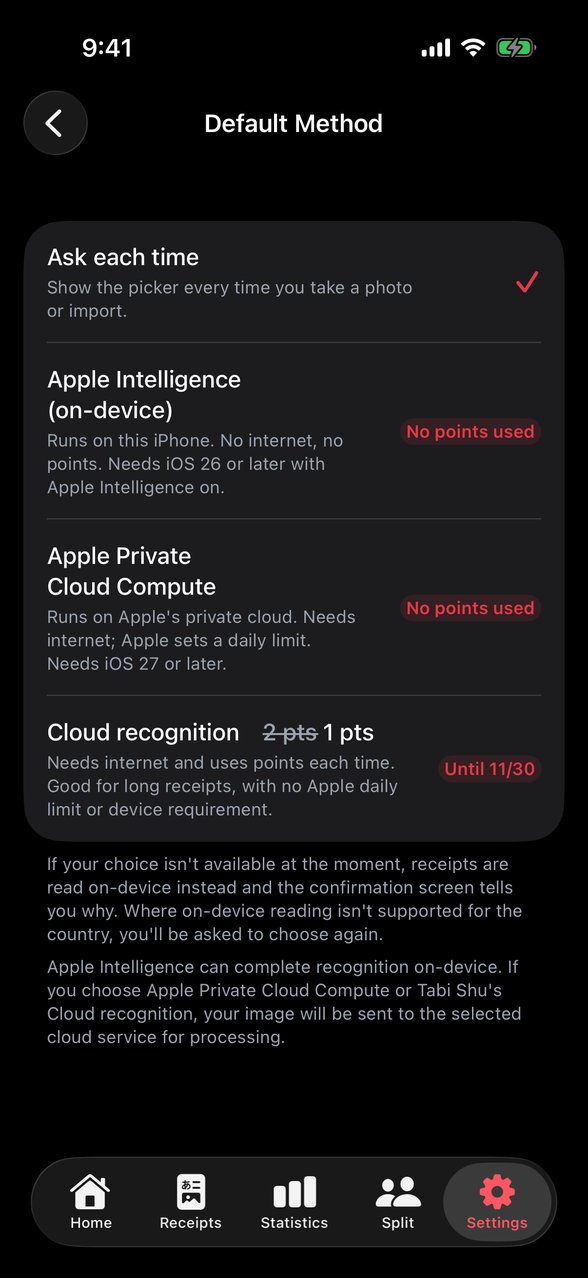
Where receipt photos go with each recognition method
| Item |
Apple Intelligence |
Apple Private Cloud Compute |
Cloud recognition |
| Where the photo is sent |
It never leaves your iPhone |
Apple Private Cloud Compute |
Tabi Shu's servers, which pass it to an AI service provider for recognition |
| Goes through Tabi Shu's servers |
No |
No |
Yes |
During recognition, your receipt photo leaves your iPhone only when you choose a cloud method. After recognition, Tabi Shu doesn't keep the photo, whichever method you use. To learn how Apple protects Private Cloud Compute data, see Apple's overview.
If a trip has Cloud Photo Backup turned on, its receipt photos are uploaded to and stored on Tabi Shu's servers so you can see them on your other devices. This applies whichever recognition method you use. The setting is off by default. The photos are used only so you can view them across devices, no one looks at them, and they are kept until they're deleted.
To delete receipt photos stored on Tabi Shu's servers, email support@lvshou.app with the User ID shown in Settings > About. For full details, see the Privacy Policy.